
Get help for TSR Watermark Image
How to install TSR Watermark Image
-
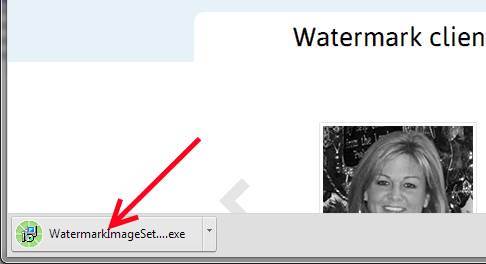
After you have downloaded the TSR Watermark Images software, start by running/double click the downloaded application file.
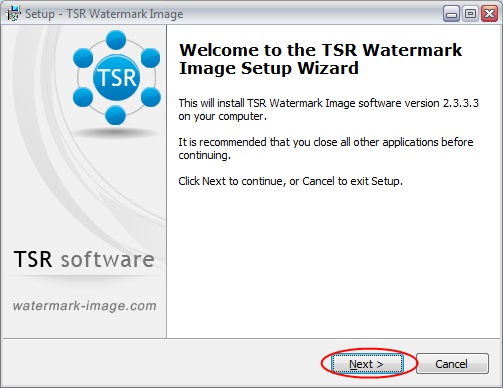
- The TSR Watermark Image Setup Wizard will appear – follow the guide – (if in doubt just press next, next, next, install and finish.)
-
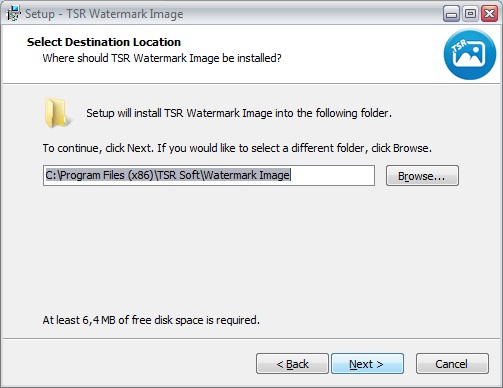
Select destination directory for TSR Watermark Image, this is where the watermark executeable will be located
-
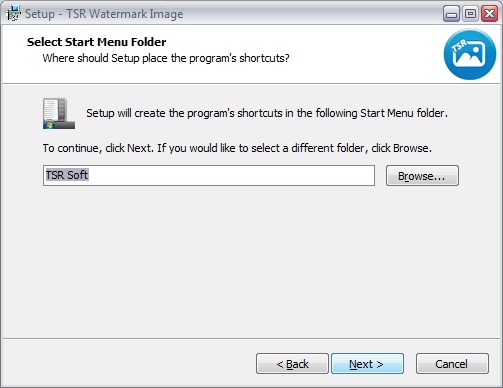
If you want the watermark software to be in another group in the program files, you can enter the name her.
-
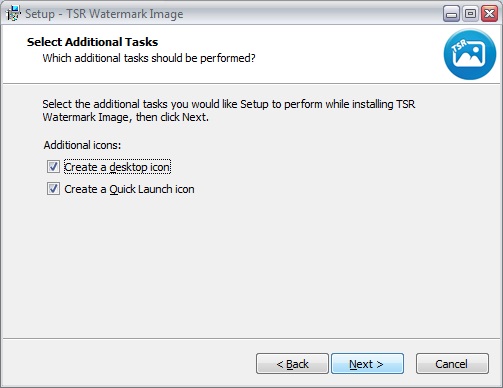
Then select if you want a watermark software shortcut o your desktop and/or your quick launch bar
-
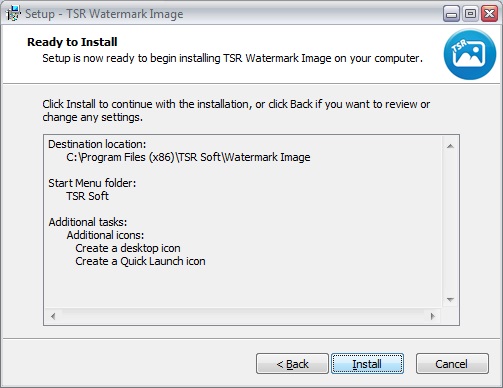
This overview lets you verify the installation of the watermarking program is configured as you wish.
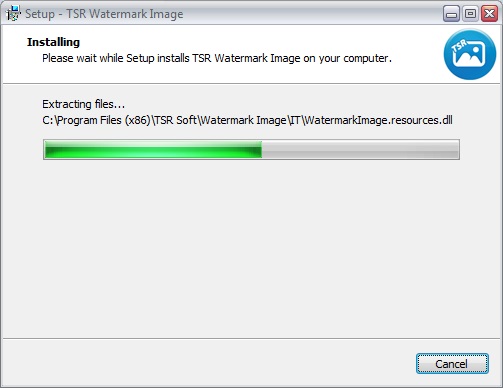
- Watch the installer install TSR Watermark Image software on your computer
-
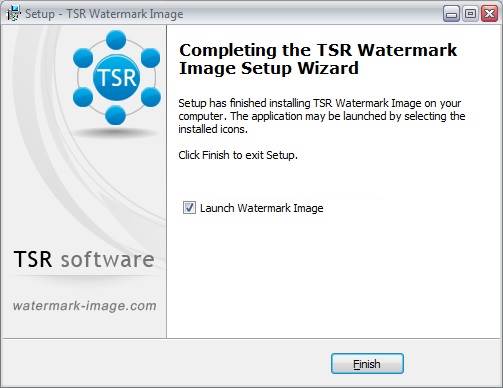
When the installation is done you can choose to open the TSR Watermarking program, and/or go to the TSR Watermark Image homepage.
If you still are having trouble, contact us using one of the methods below
- Email the developer Anders at anders@tsr-soft.com
- or use the contact form below