
Simple and quick Watermarking Software
A Simpler And Quicker Way Than PhotoShop To Protect Your Images Online.
Install And Try It - No Purchase Necessary.

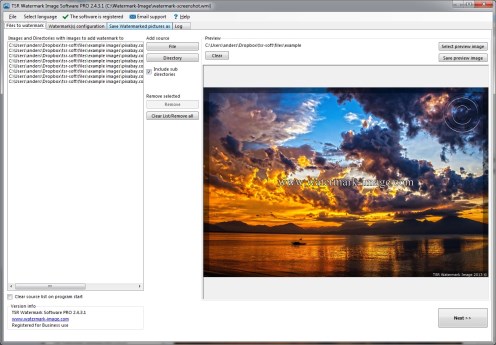

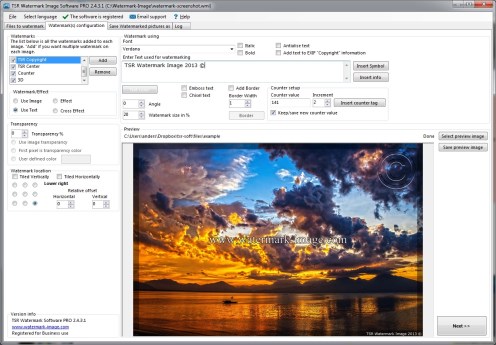

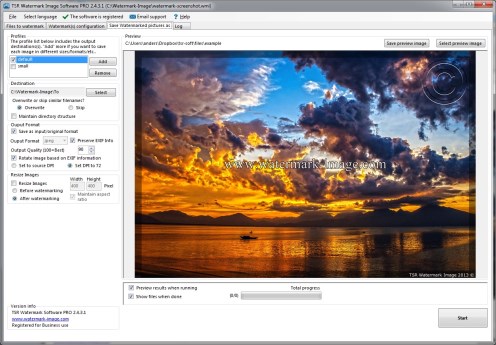




Watermark client testimonials and reviews


"I was unsure if I really could automate my watermarking task but TSR Watermark Image turned out to be fantastic. I just loaded the pics and added the consecutive #'s to the watermark and it was easy! I am so happy I found your product."

"I knew that other pices of watermarking softwares could not handle handle large amounts of TIF files and their support told me that this is „normal“ behavior - they have our of memory issues when handling larger amount of files. I just tried your tool (trial) on all of our files at once (> 8000 TIF files) and it worked flawlessly! So great!"

"I have been using TSR Watemark Image since version 1.1.0.0 it's very easy to learn, just a few steps to follow. I use it to watermark all my photos I post on the internet. I have recommended this program to many of my photographer friends."

"I am using TSR Watemark Image for my photography business and find it very easy to use and fast. I used the free edition and fell in love with how quick it is to watermark my photos all at one time. So glad that I found it and I have really put it to use for my business."
As seen in




Five reasons to use the software
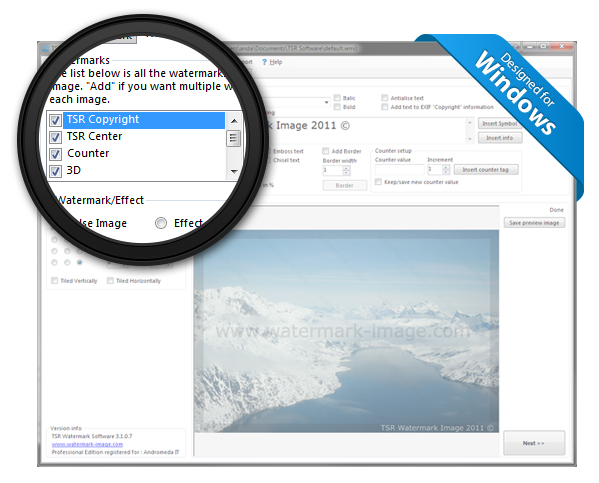
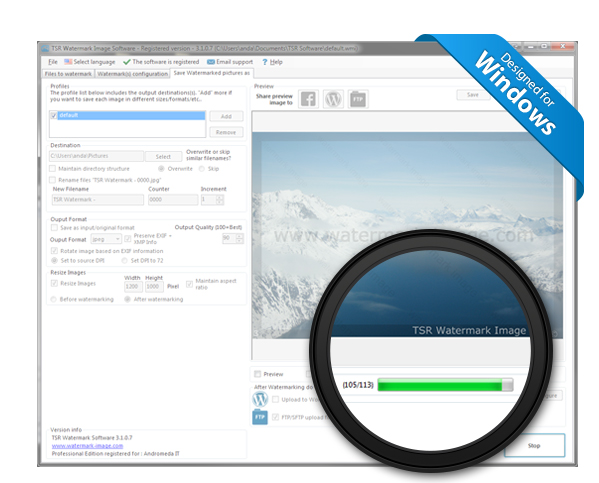
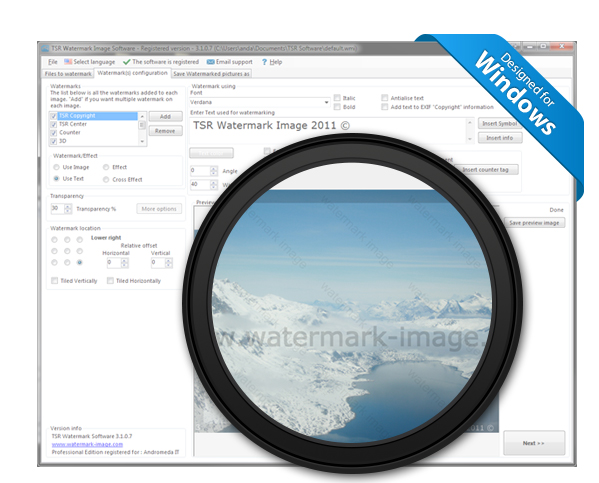
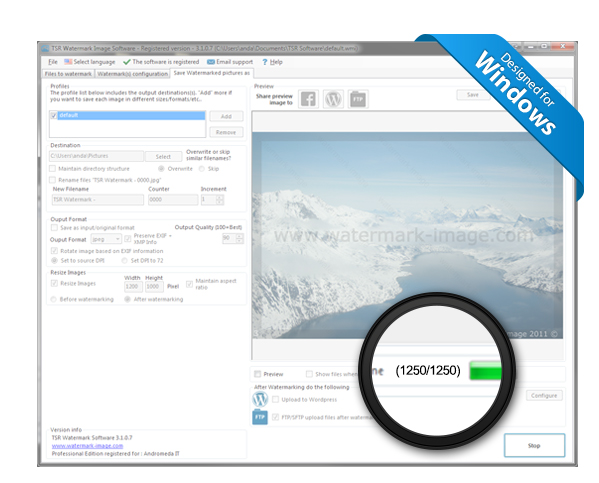
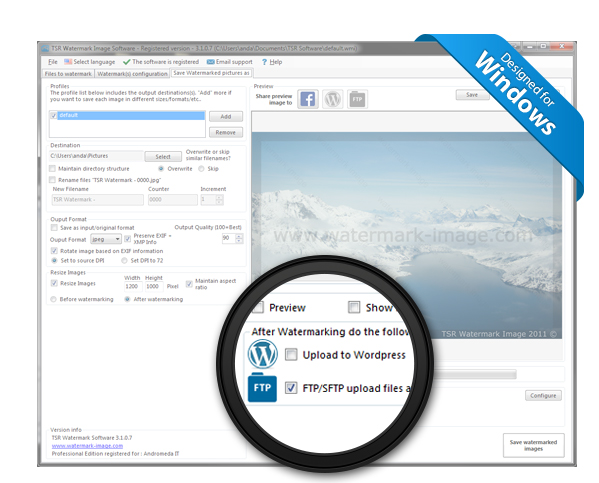
Watermarking made easy
TSR Watermark software is an easy and fast way to get photos watermarked; the ease of use makes it quick to learn, even for a non-technical person. If you have employees that need to add watermark to a photo before uploading it online, TSR Watermark software is an excellent choice.
You will be able to save you and your employees a lot of time with the powerful batch-watermarking feature, if you have 100 photos you need to add a watermark to, TSR watermark can do that without user interaction; while your computer gets the watermarking job done, you can concentrate on taking the photos!
Share your watermarked photos
with our new one click share buttons


TSR Watermark image Professional + Share is the easiest way to share your work on Facebook, Wordpress or a FTP site, with our innovative "One Click Share" your current preview image is instantly uploaded to Wordpress or FTP site or all your watermarked images are uploaded after processing.
Compare the editions
Install and try it — no purchase necessary.
| Try our FREE trial | Professional | Professional + Share | Secure Share | |
|---|---|---|---|---|
| $29.95 | $59.95 | $139.95 | ||
| Features: | Adds "Unregistered TSR Watermark Image"to the trial result images |  |
|
 |
| Batch Watermark | ✓ | ✓ | ✓ | ✓ |
| Text, Image & 3D Watermarks | ✓ | ✓ | ✓ | ✓ |
| Borders, crosses & special effects | ✓ | ✓ | ✓ | ✓ |
| EXIF, XMP, IPTC and more metadata copying - full list | – | ✓ | ✓ | ✓ |
| 225 Special Watermark Fonts | – | – | ✓ | ✓ |
| Upload to Wordpress + FTP | – | – | ✓ | ✓ |
| Secure FTP Upload | – | – | – | ✓ |
| Download | Buy now | Buy now | Buy now |
Version history
- Version 3.7.2.3 - 08 May 2022
- Fixed a bug in the watermarking program.
- Version 3.7.2.2 - 07 Apr 2022
- Added a new choose and save images folder path dialog when choosing where to save the watermarked images
- Version 3.7.1.4 - 25 Jul 2021
- Added the path and filename of the current image being watermarked to the output tab.
- Version 3.7.1.3 - 23 May 2021
- Fixed a drag and drop bug on the files selection of the files to be watermarked